
A time clock for crews on site
Staff clock in and out from their phone at the job site. You set the radius, grace minutes and overtime rules, and see who is working right now.
Clock in where the work is
Add each job site with an address and a radius. Staff clock in and out from their phone, and OzHub checks they are at the site. You decide how strict that is for each site.
- Job sites with a map position and radius
- Grace minutes, so a minute late is not a fight
- Overtime that needs your approval before it counts
- Overtime rules per client, including Saturdays
- A live view of who is working right now
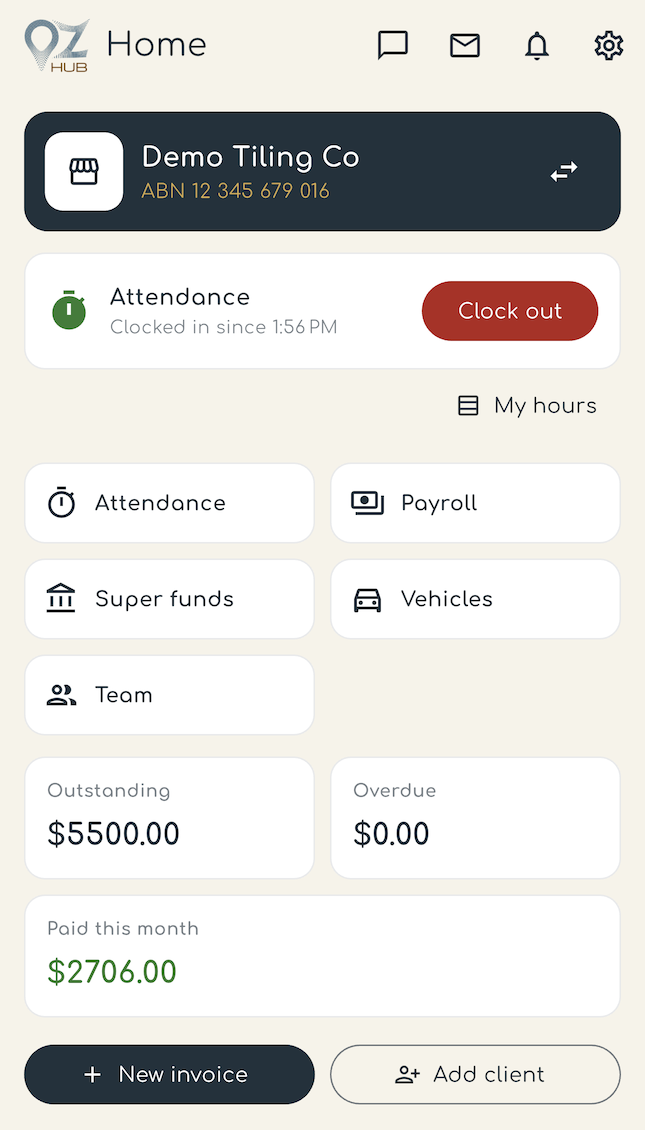
Made for crews and small teams
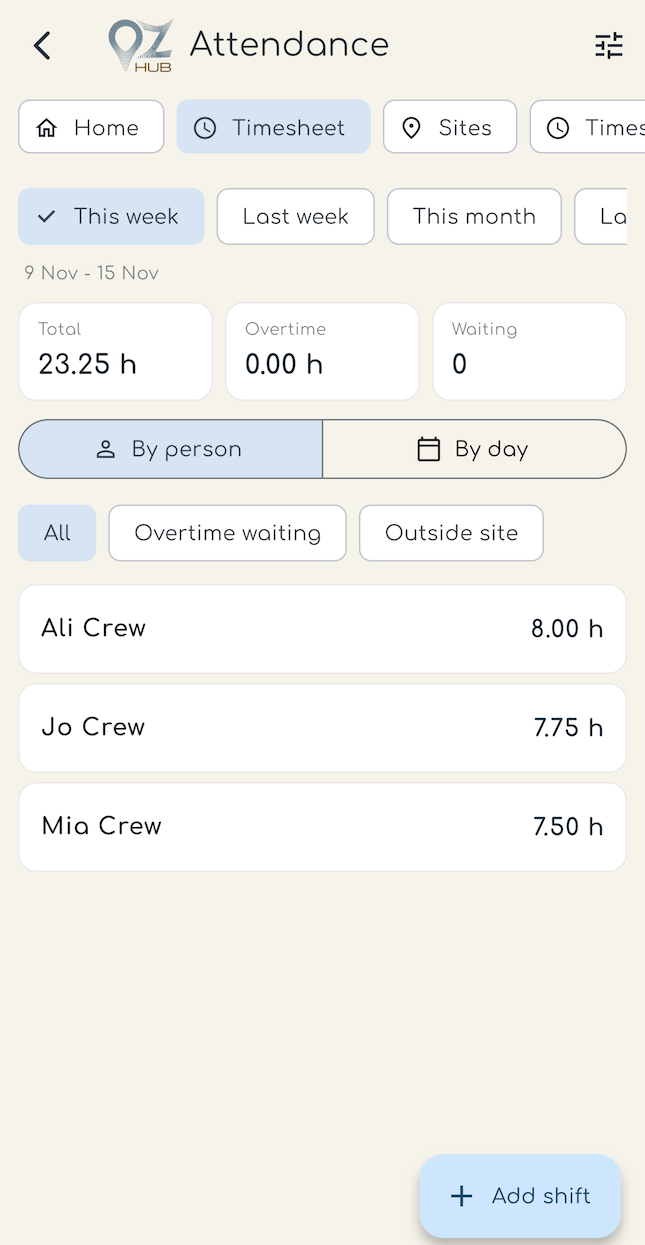
Owners and managers see attendance for the whole team. Staff see their own shifts. Shift templates save time when the same crew works the same hours, and every clock event keeps its time and place.
Hours link to the client you bill, so overtime rates and invoices stay consistent.
Questions
Can staff clock in only at the job site?
Yes. Each job site has a position and radius. For sites where you switch on the check, staff can only clock in when they are inside it.
Can I approve overtime before it counts?
Yes. Turn on overtime approval and extra hours wait for a manager or owner to approve them.
Does it work for casual and shift crews?
Yes. Use shift templates for crews that work the same hours, and add or change shifts when plans change.
Who can see the hours?
Owners and managers see the team. Staff see their own hours.